Skip to main content
How to add User to a Certification
- Click on Manage/Admin menu then Certification Setup.
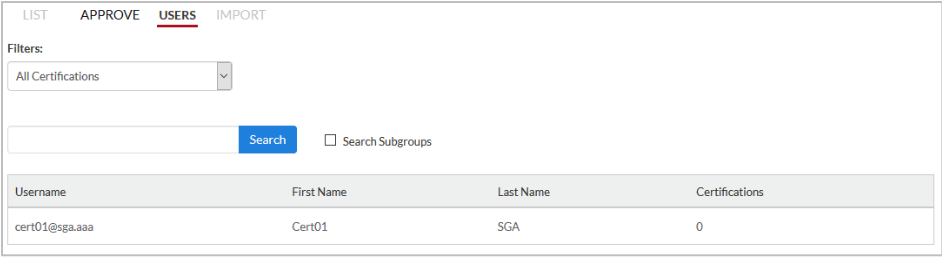
- Click the Users tab
- Search then select a user from the list. This will show their current certifications.
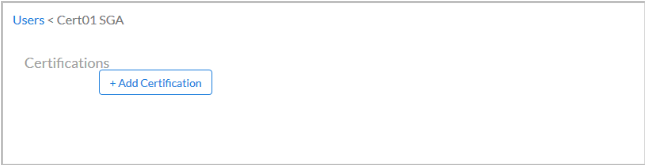
- Click Add Certification.
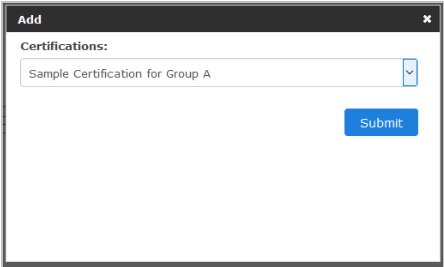
- From the pop-up, pick a certification from the list and click Submit.
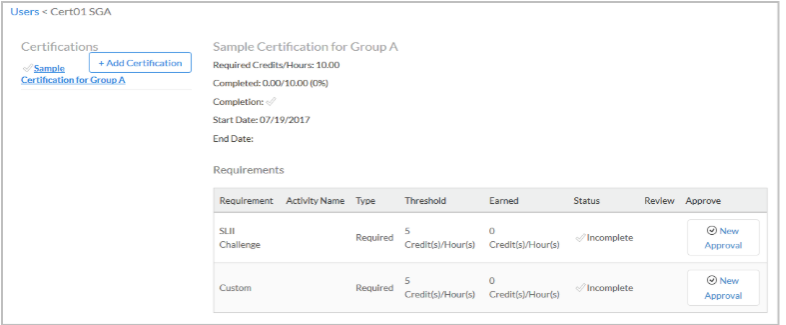
- Selected certification is added to the user’s certifications.