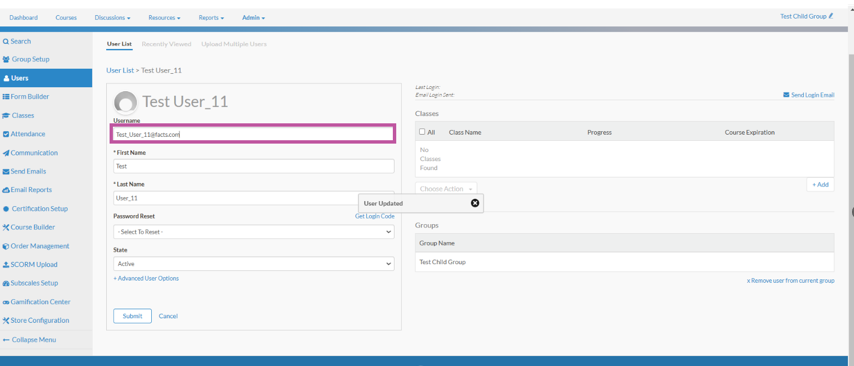
This video demonstrates how to Add a User to a Class from the User Profile screen.
1. This tutorial demonstrates How to Reset a User's Password from the User's Profile Screen.
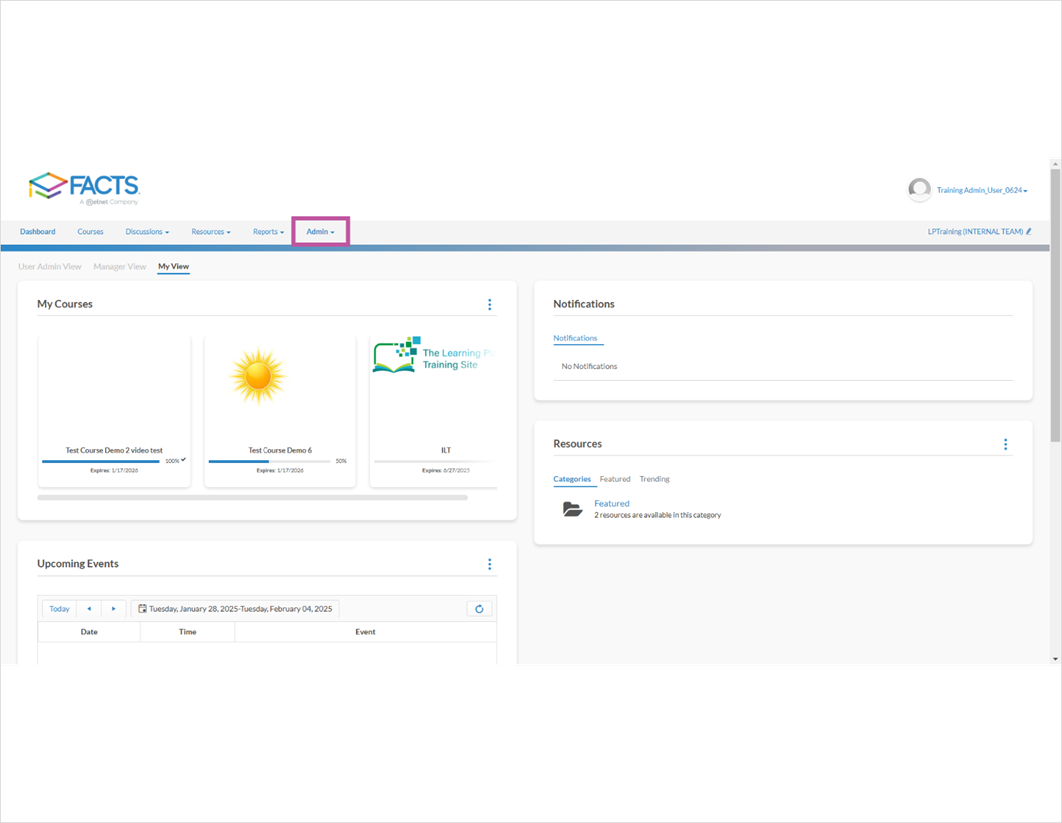
The first step is to open your LMS Site and click Admin

2. Click Group Edit Pencil and Select Group

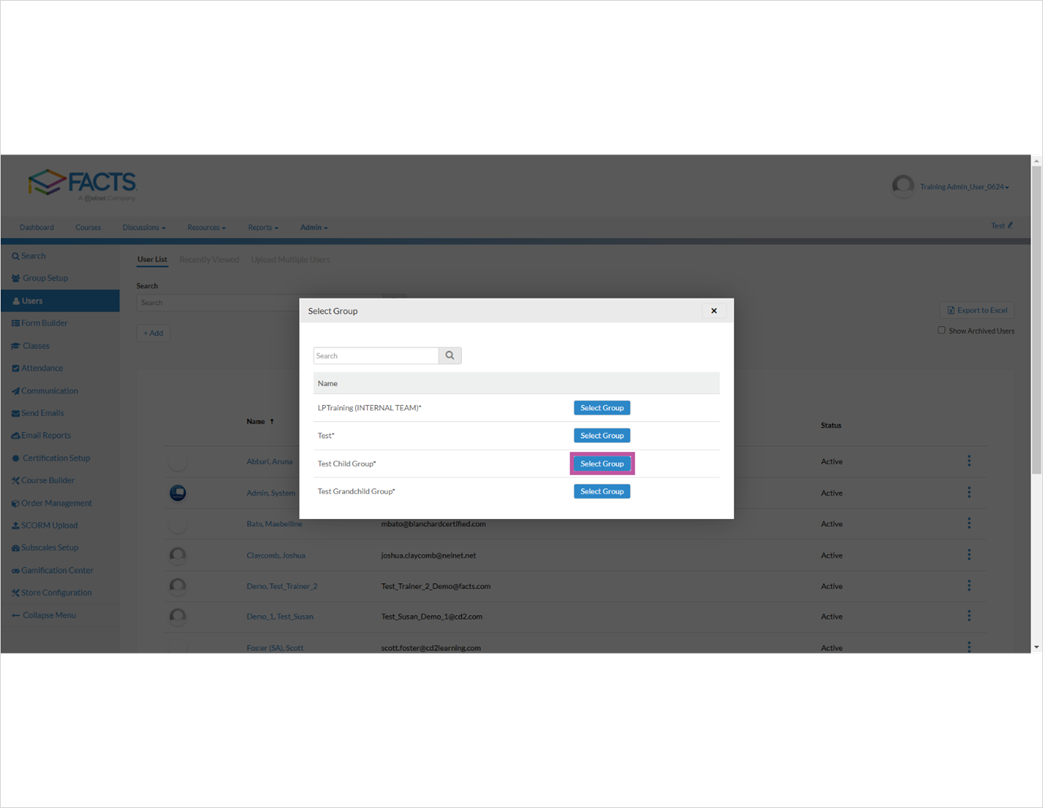
3. Click Select Group

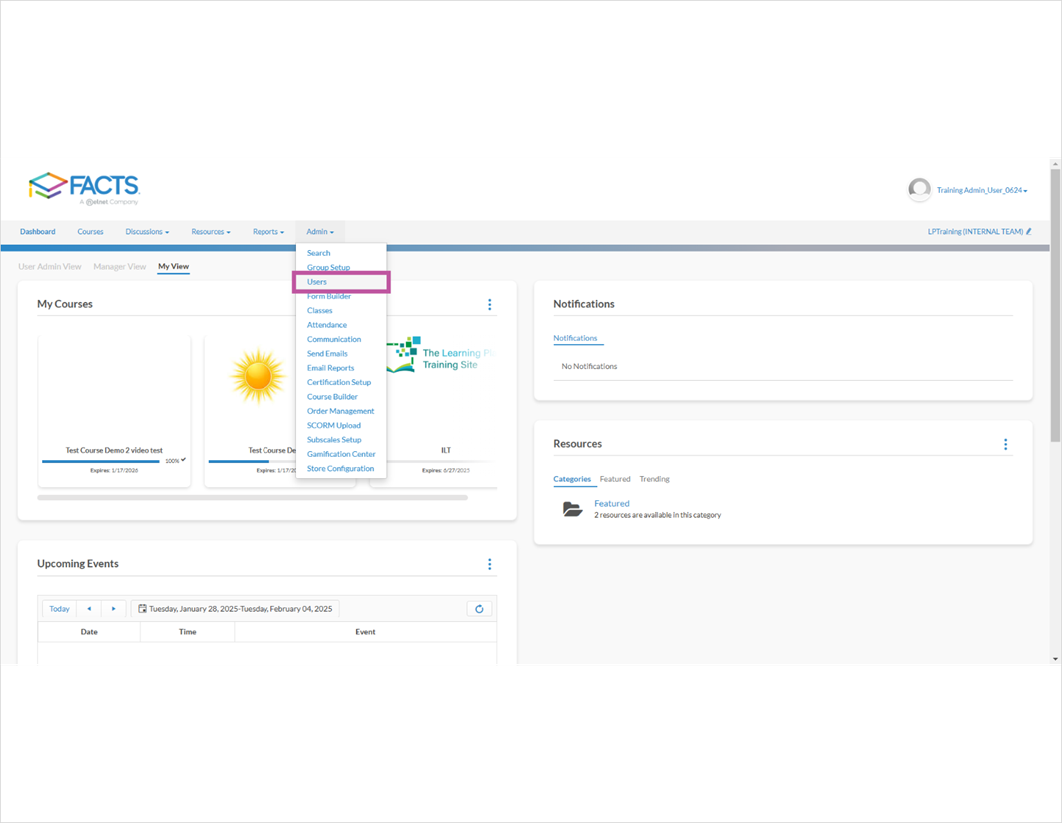
4. Click Users

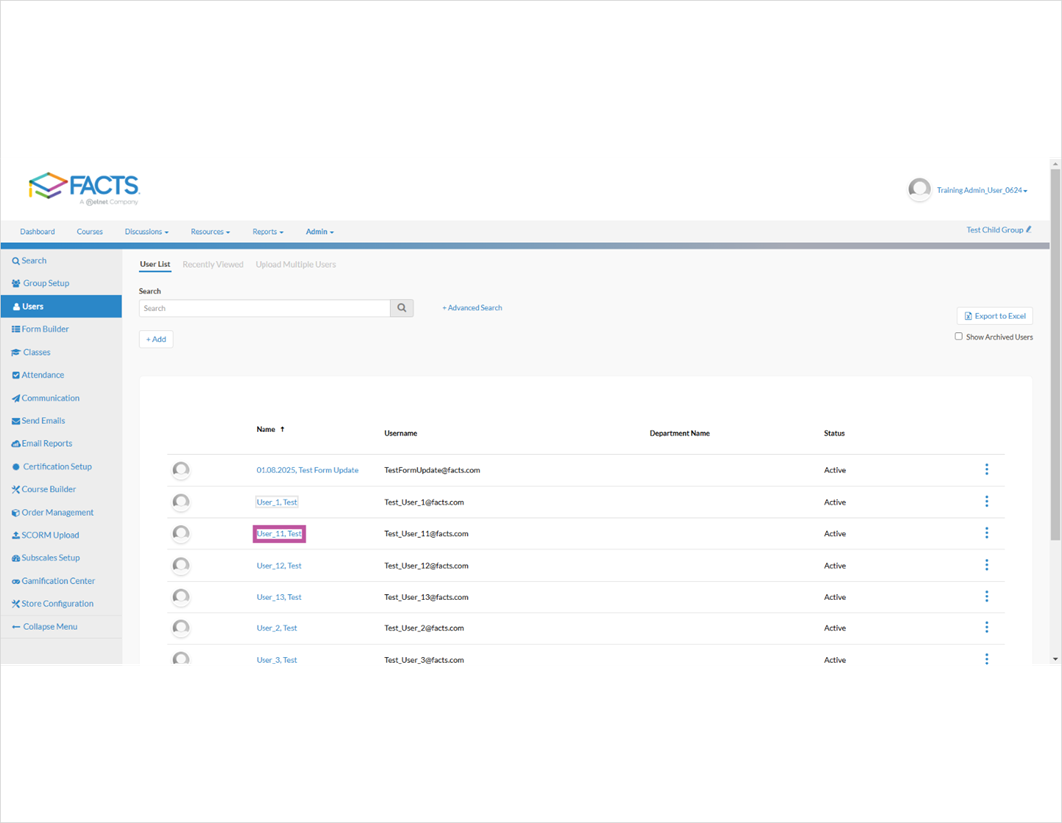
5. Select user and Click User

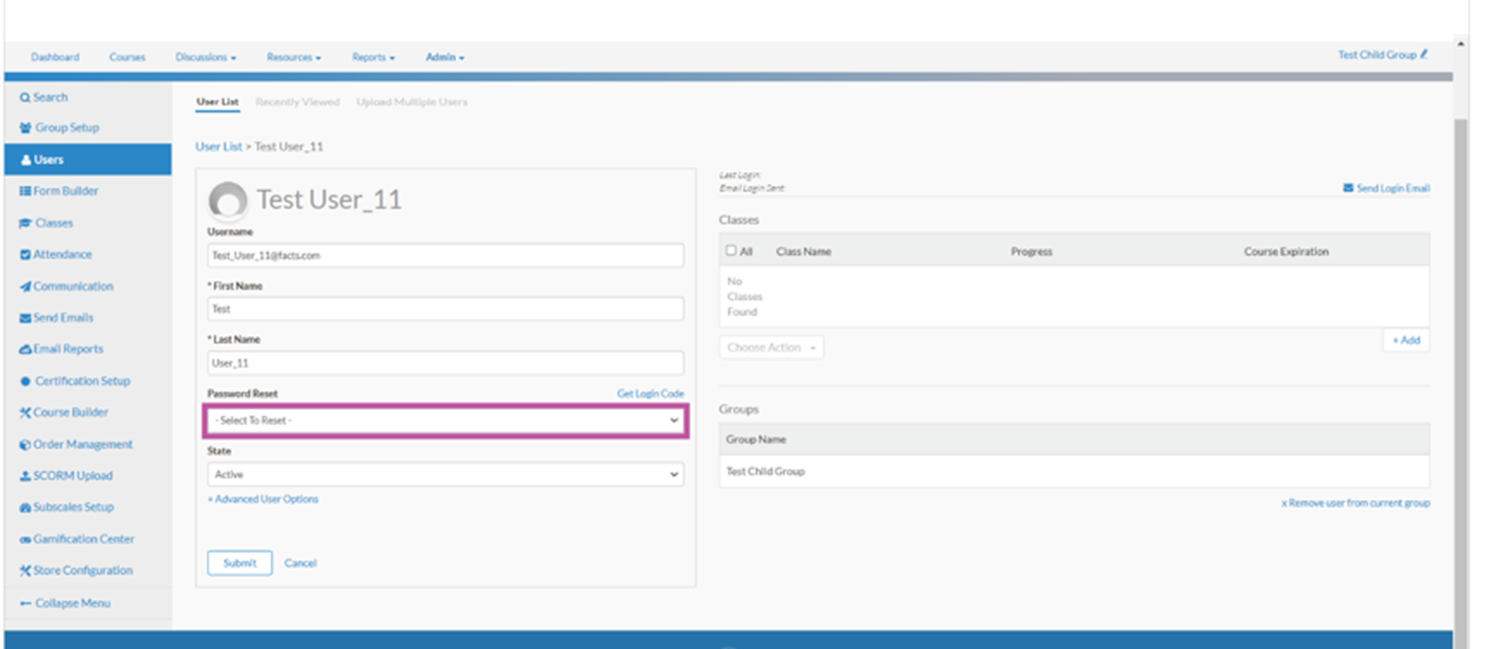
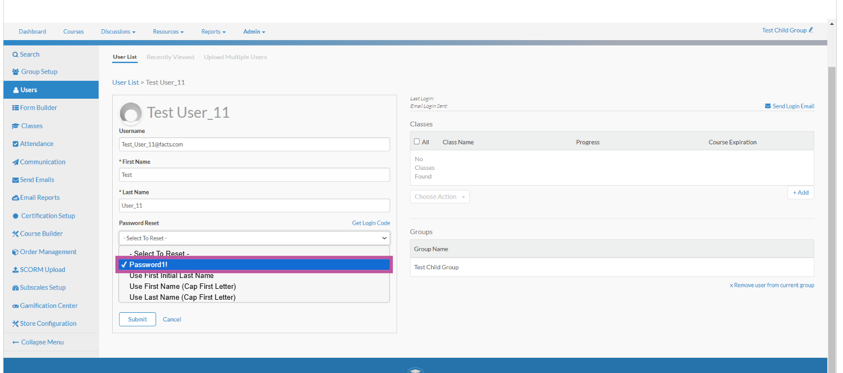
6. Scroll down to Password Reset Field and click - Select To Reset -

7. Select Password1!

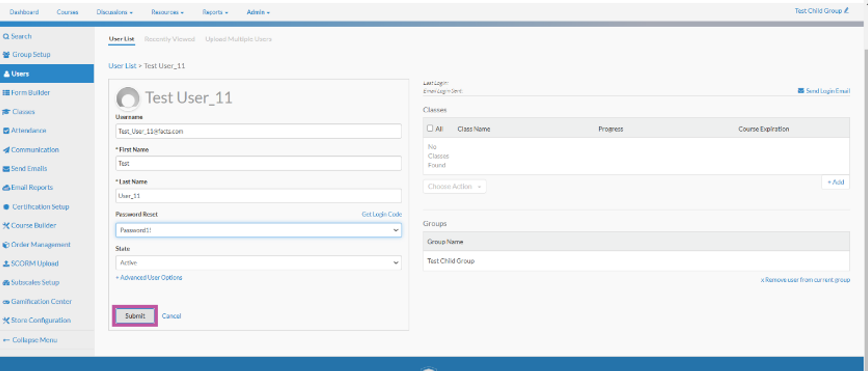
8. Click Submit

9. Provide User with new password and their Username

10. That's it. You're done.

Here's an interactive tutorial
** Best experienced in Full Screen (click the icon in the top right corner before you begin) **
https://www.iorad.com/player/2502644/How-to-Reset-a-User-s-Password-from-the-User-Profile-Screen?iframeHash=trysteps-1
Written Guide
1. Open your LMS Site and go to Dashboard
2. Click Group Edit Pencil and Select Group
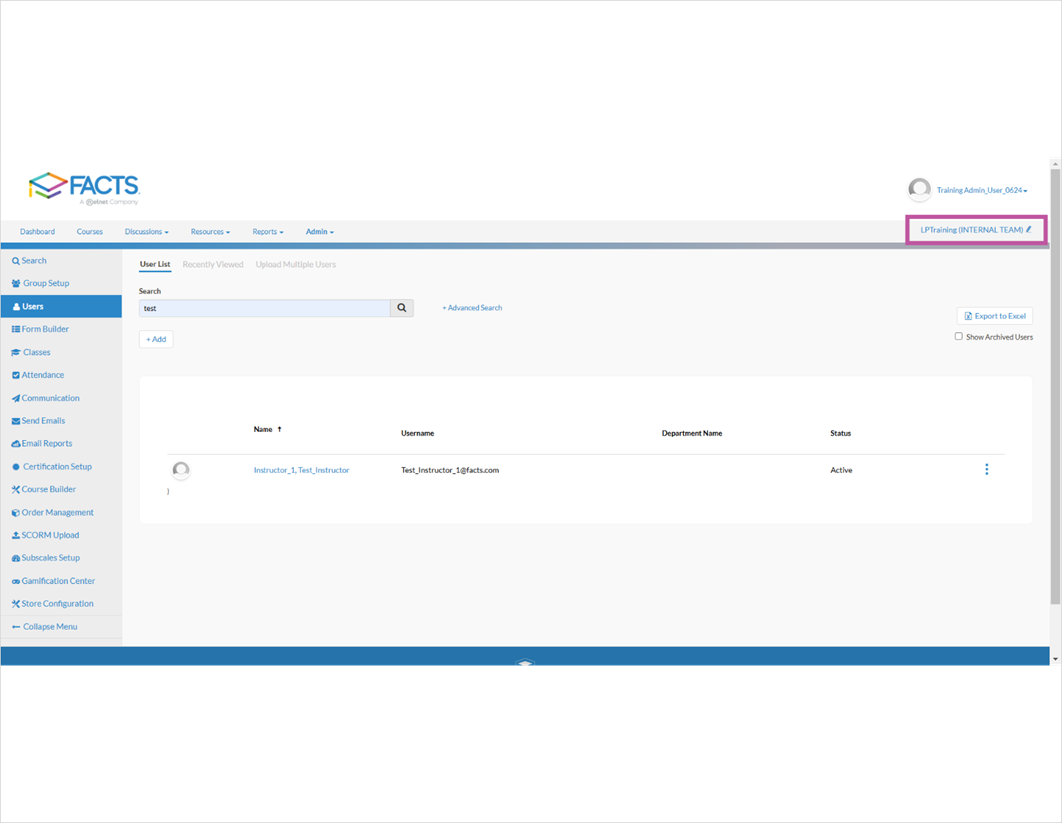
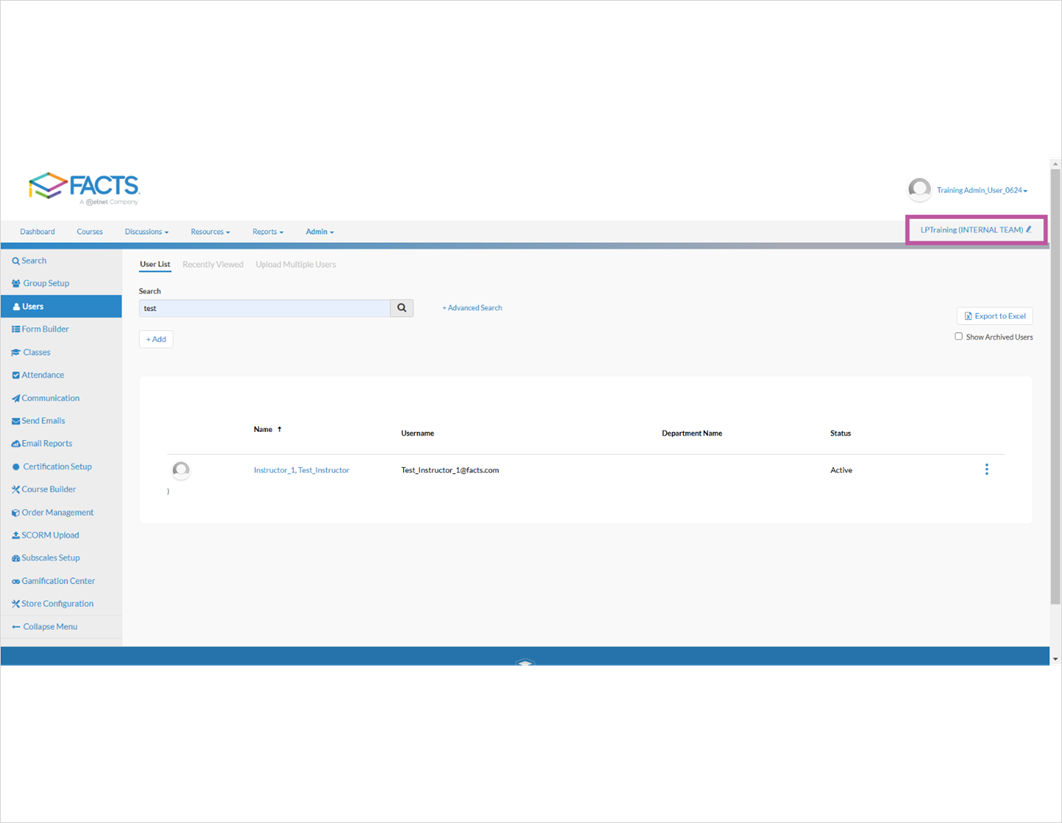
3. Click Select Group
4. Click Users
5. Select user and Click User
6. Scroll down to Password Reset Field and click - Select To Reset -
7. Select Password1!
8. Click Submit
9. Provide User with new password and their Username